

So, I bought a new scanner, on which the previous color pictures were scanned. I’ve been noticing that when scanning in the normal position (glossy side down), the scanner would create a slight warping pattern on the image. It was sometimes very obvious, but others it was smaller but still visable. Also one of the scanner’s elements is stuck, so a line is drawn on on the image if I scan two film strips.
To fix these, I had to go back and re=scan a bunch of photos. There were a lot in this roll to do, so it took me a while. The first thing to do was get rid of that warping pattern. I ended up flipping the film over so that the scanner will scan the emulsion side. I would have to mirror the image in software, but it did the trick and got rid of those patterns.
The second problem, I just have to avoid. I can scan one strip of film at a time without issue just as long as I use the correct holder of the two.
I actually didn’t notice this 6 rolls later. This ended up prolonging posting of pictures, because I had to procure perfect photos from a precarious picture scanner.

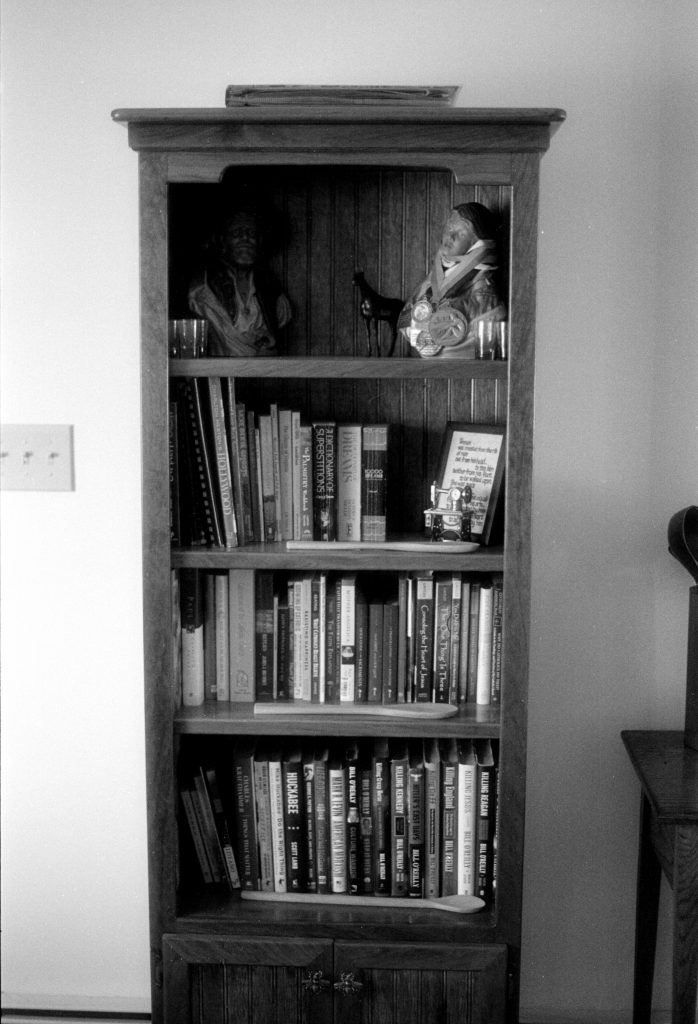
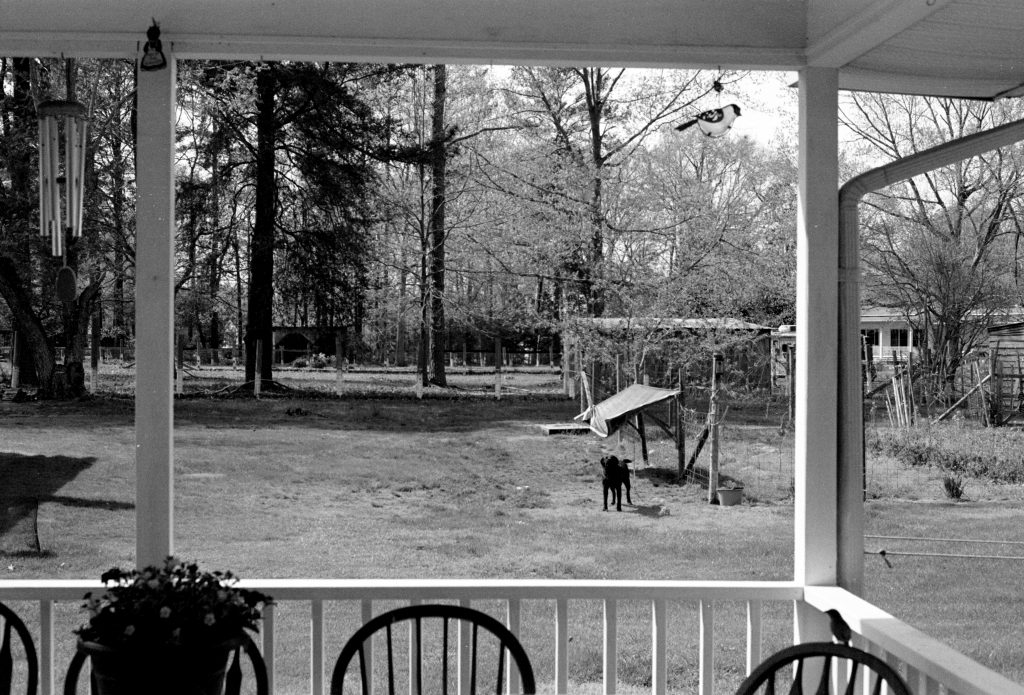
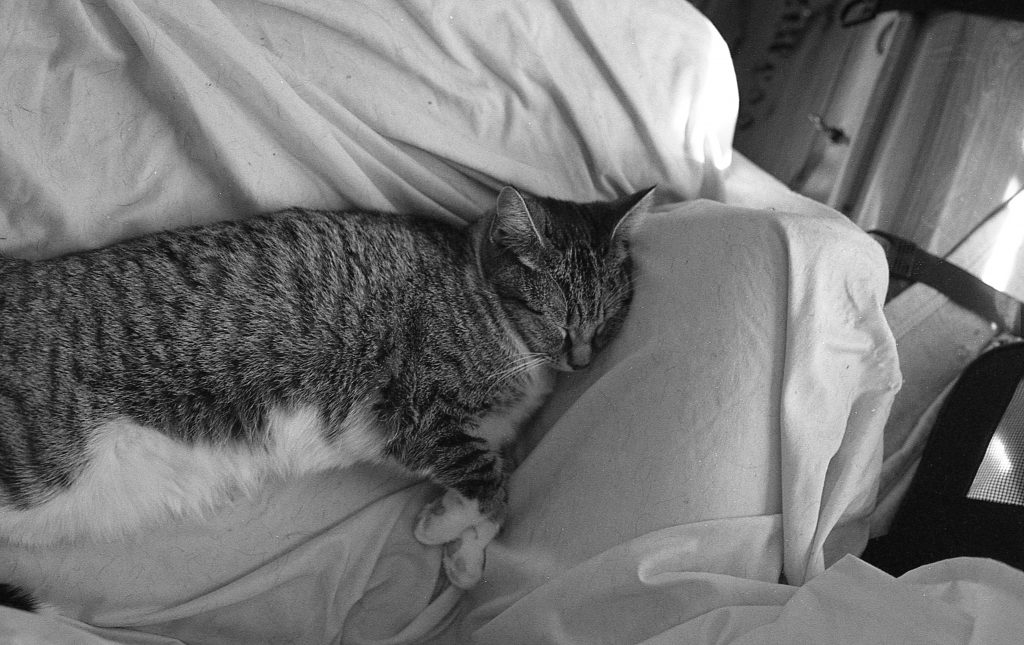
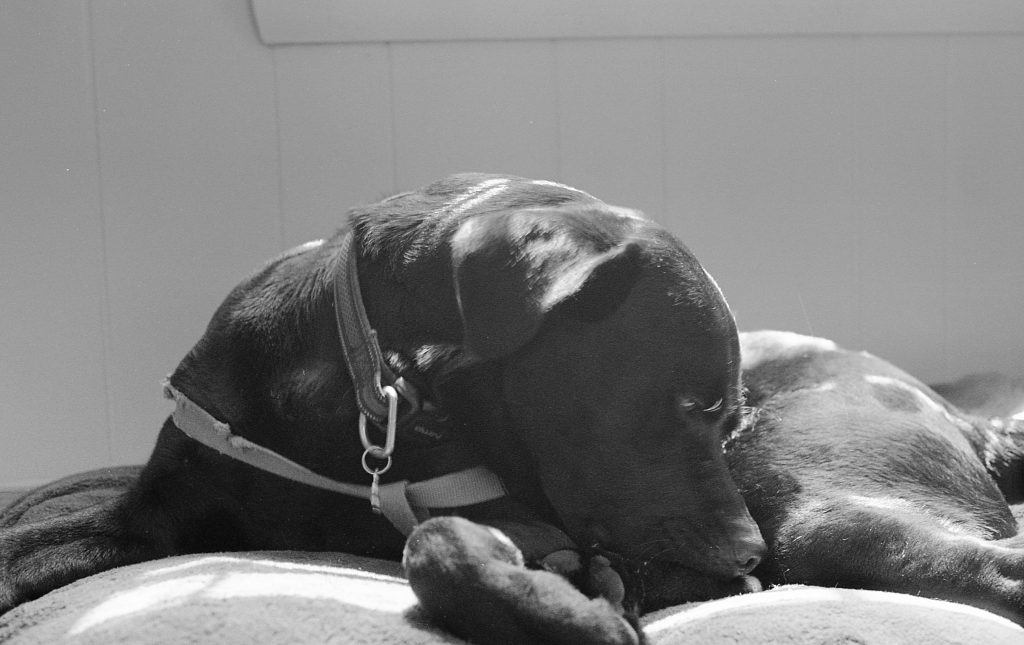
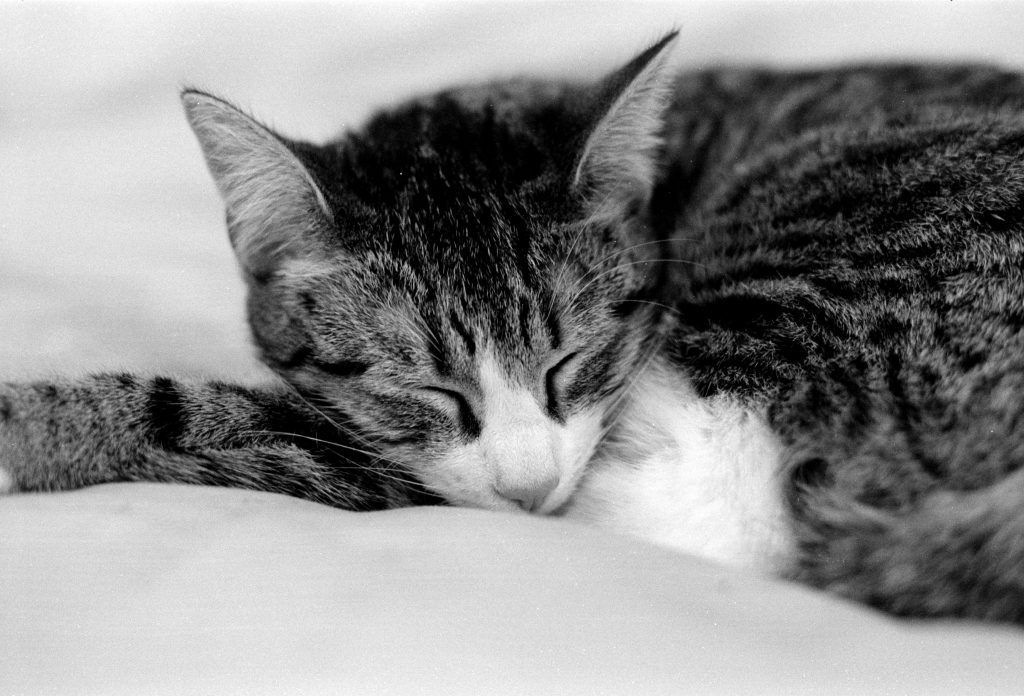
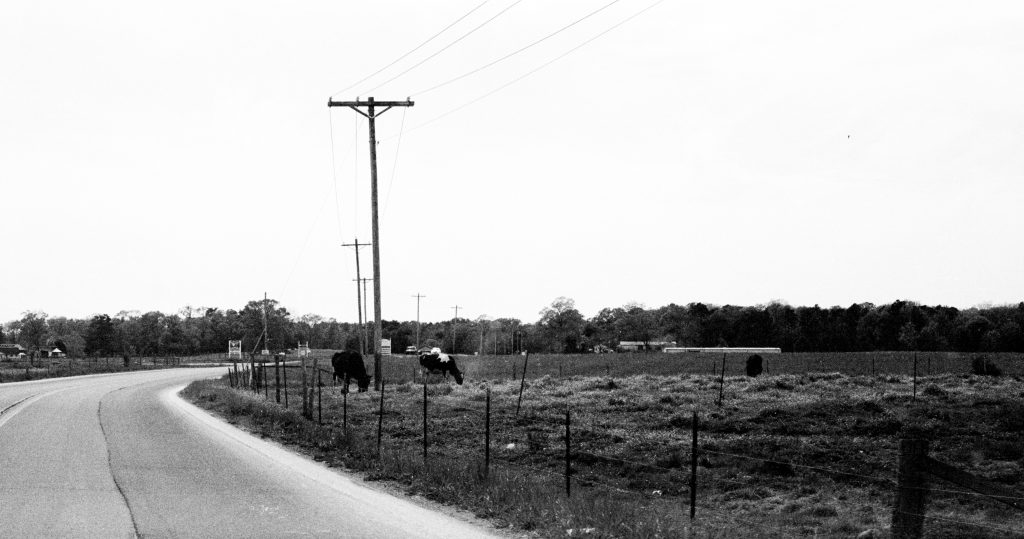
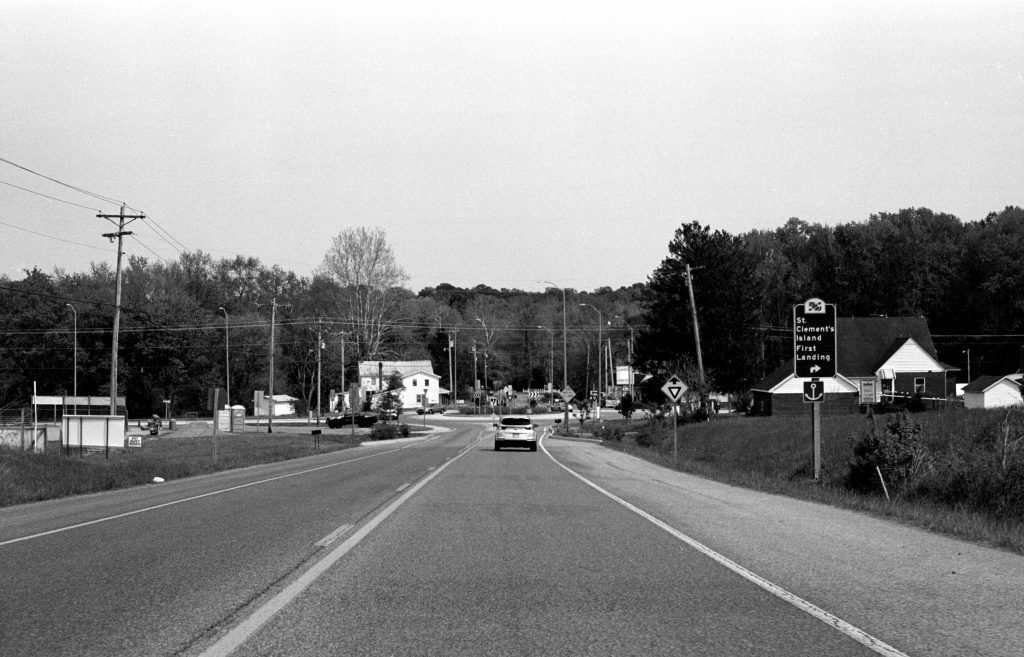
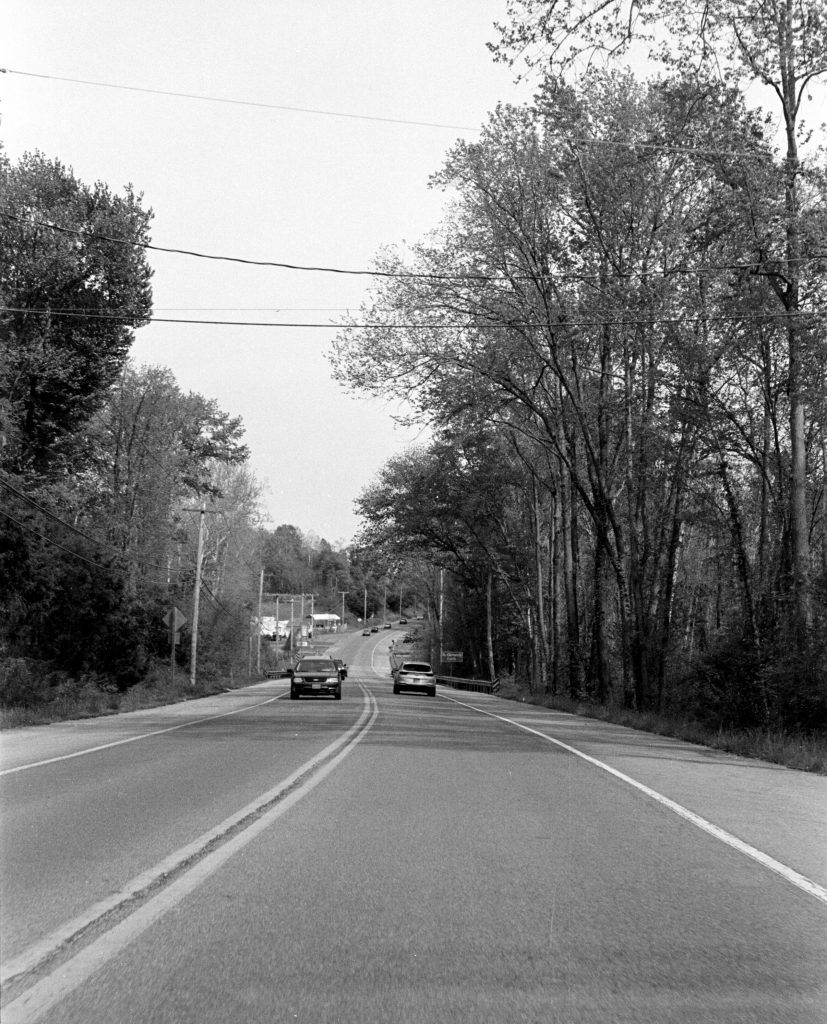
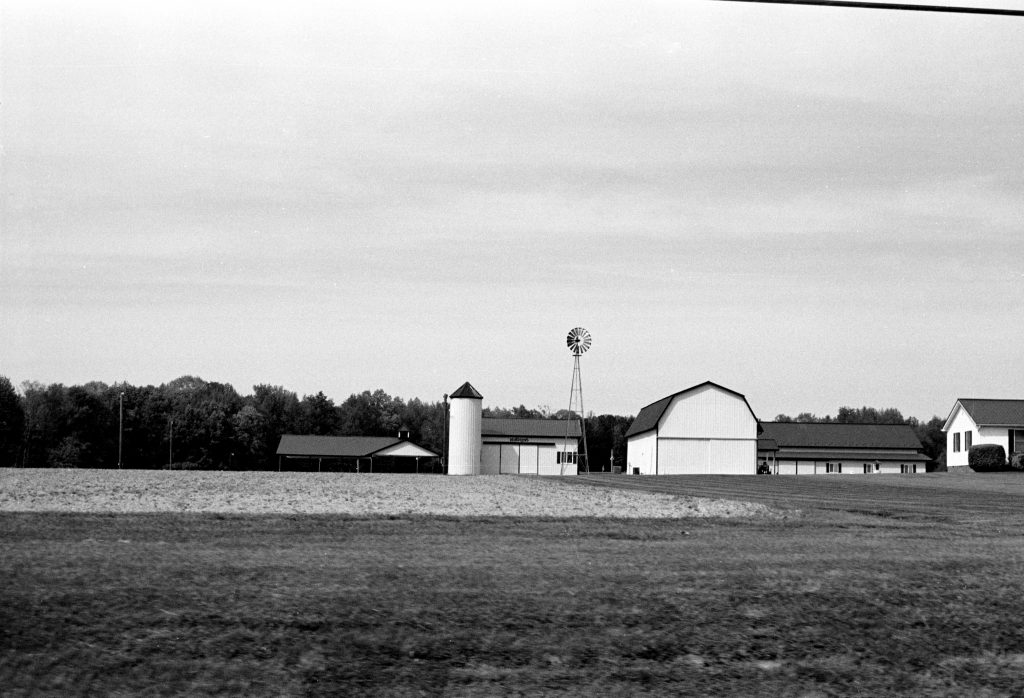
My little sister actually took this first one. This was a test roll, so I told her to play around with the camera. She didn’t take a whole lot, unfortunately.
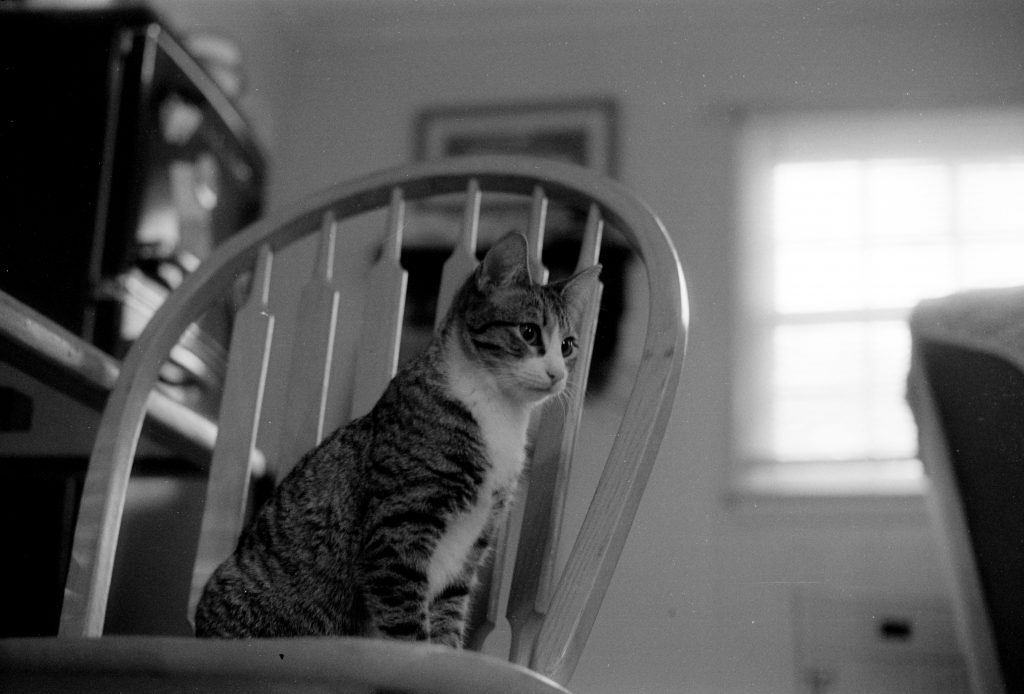
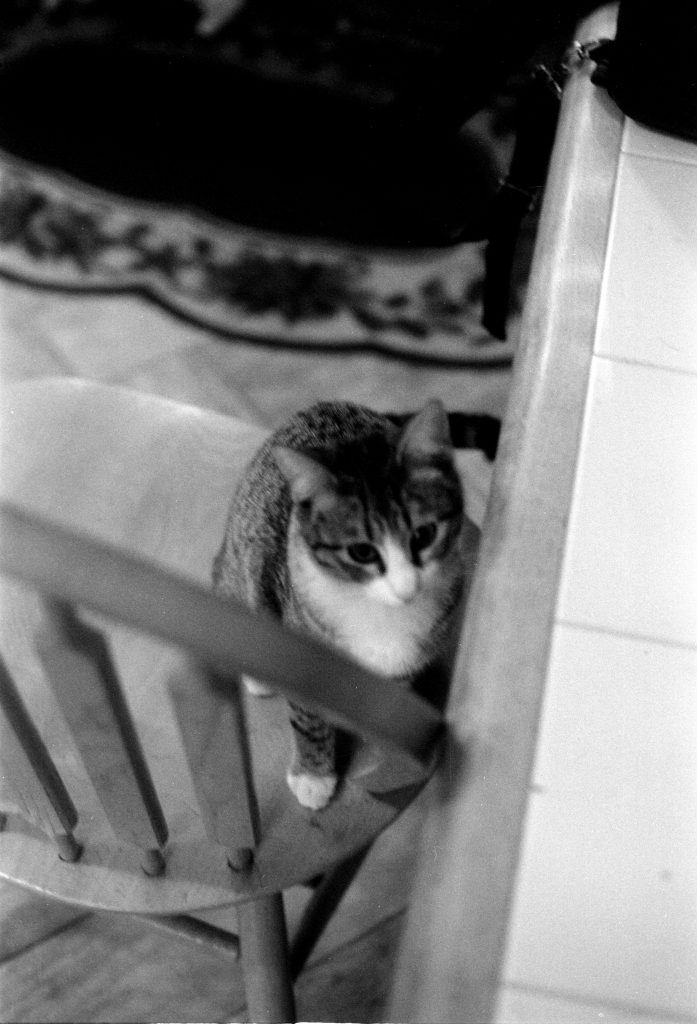
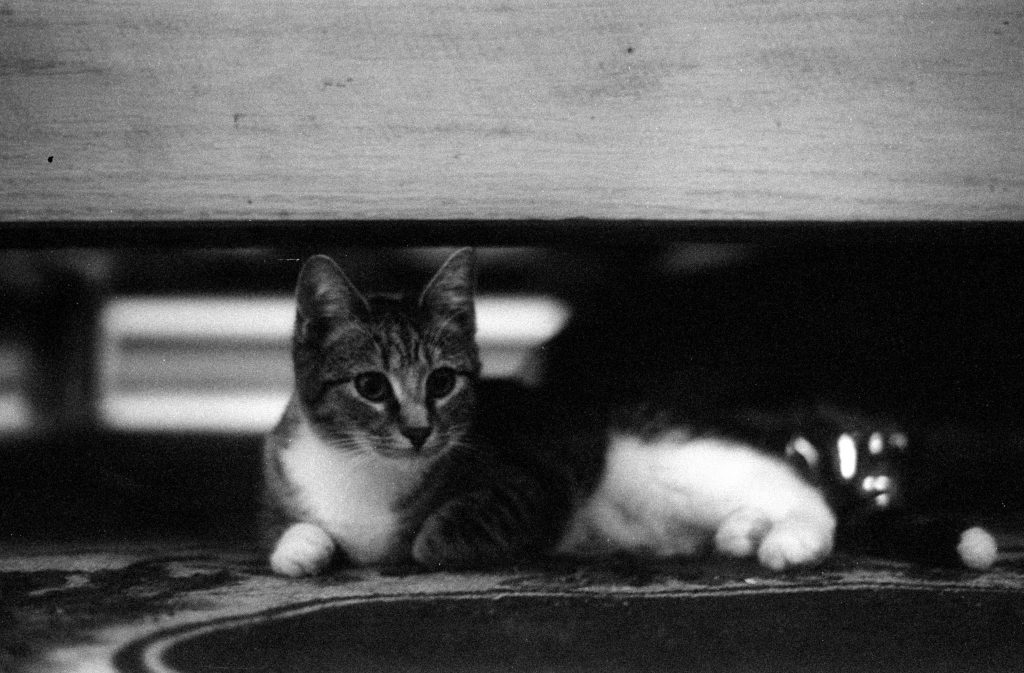
I rather liked this one, I was quite pleased I got something that good out of a very underexposed frame.
Development Details
- Film: Kodak TMax 400
- Camera ISO setting: 400
- Developer: Kodak XTol
- Development Time: 6.5 Minutes
- Development Agitation: Kodak Style (5x inversions every 30 seconds)