
UPDATE 5/28/2022:
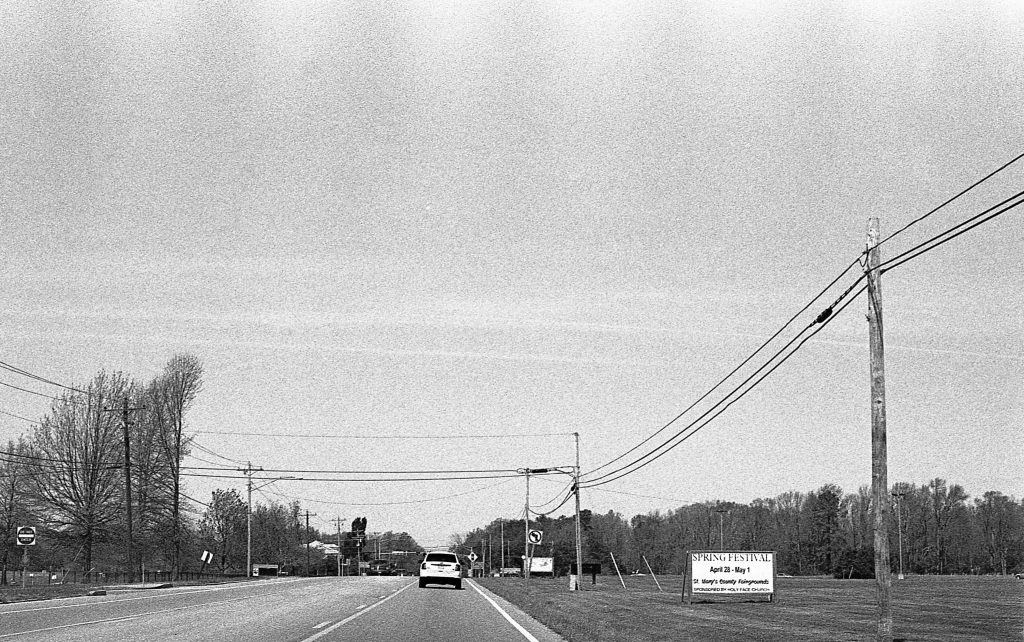
So, I developed another roll of film and saw the same streaks emanating from the sprocket holes. I felt like this wasn’t a manufacturing defect, and I was pretty sure that I don’t have light leaks elsewhere, since I would be seeing them on a variety of films.
I took to the internet to find out that over-agitation or aggressive agitation is often the cause for those patterns (Thanks to this webpage for common developing errors: https://www.olympus-lifescience.com/en/microscope-resource/primer/photomicrography/bwprocessingerrors/). The puzzle pieces fell into place. I was using a Kodak style agitation which is faster and more frequent than Ilford’s publish method of agitation. I may have been going above and beyond what Kodak called for.
So the bottom line is, I have to be much less agitating……
—————————————————————————————————————-
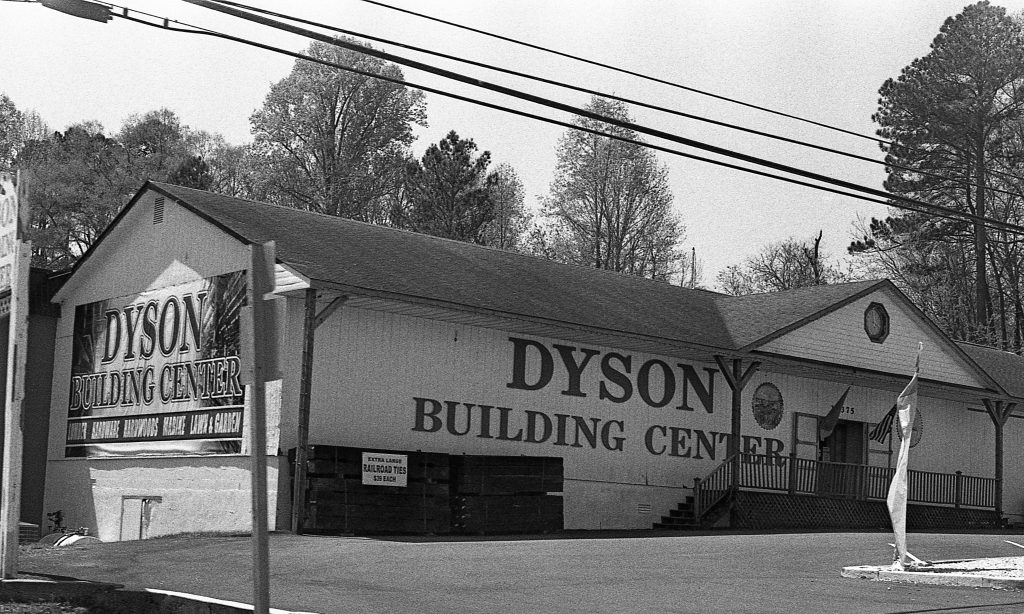
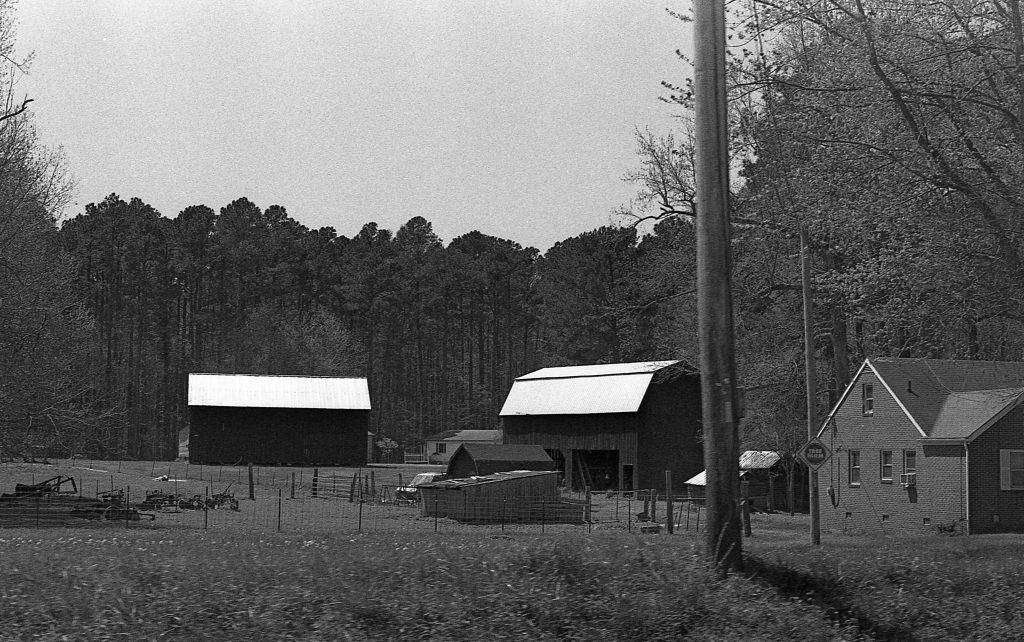
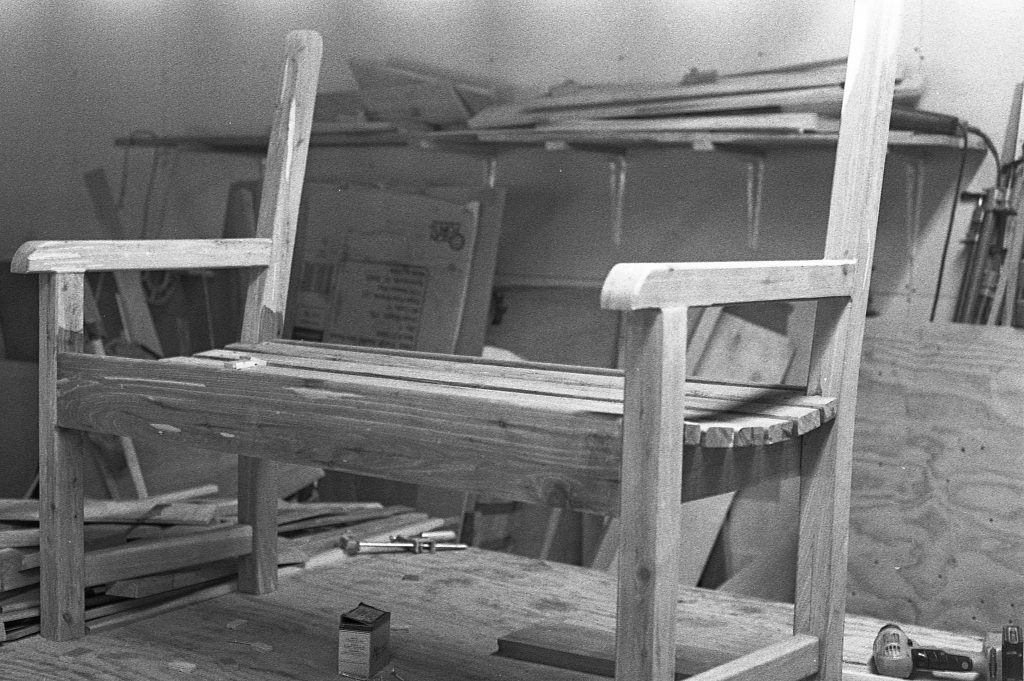
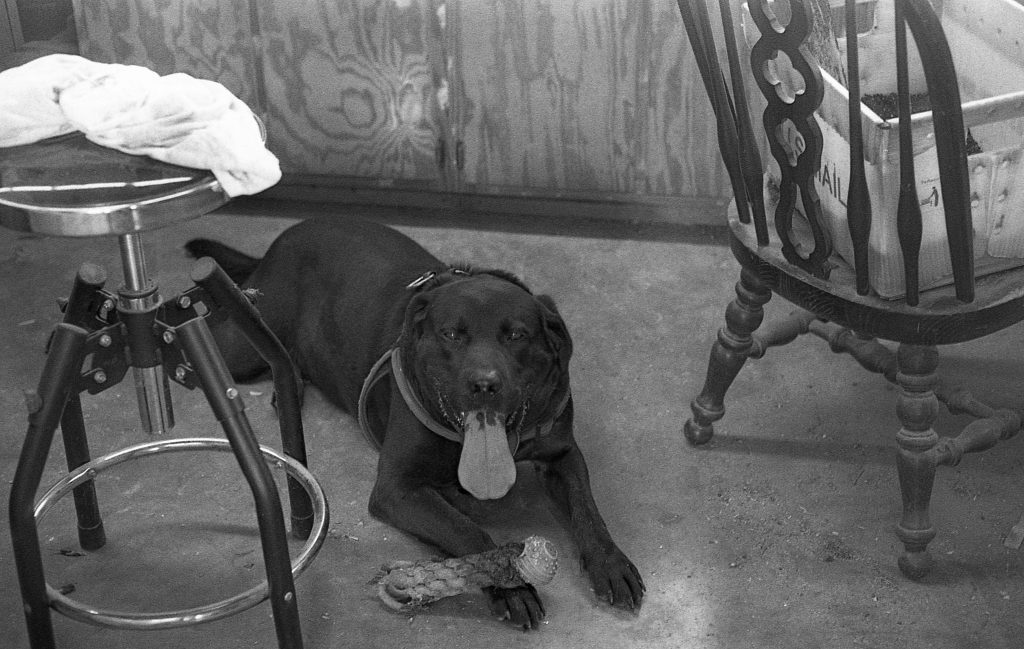
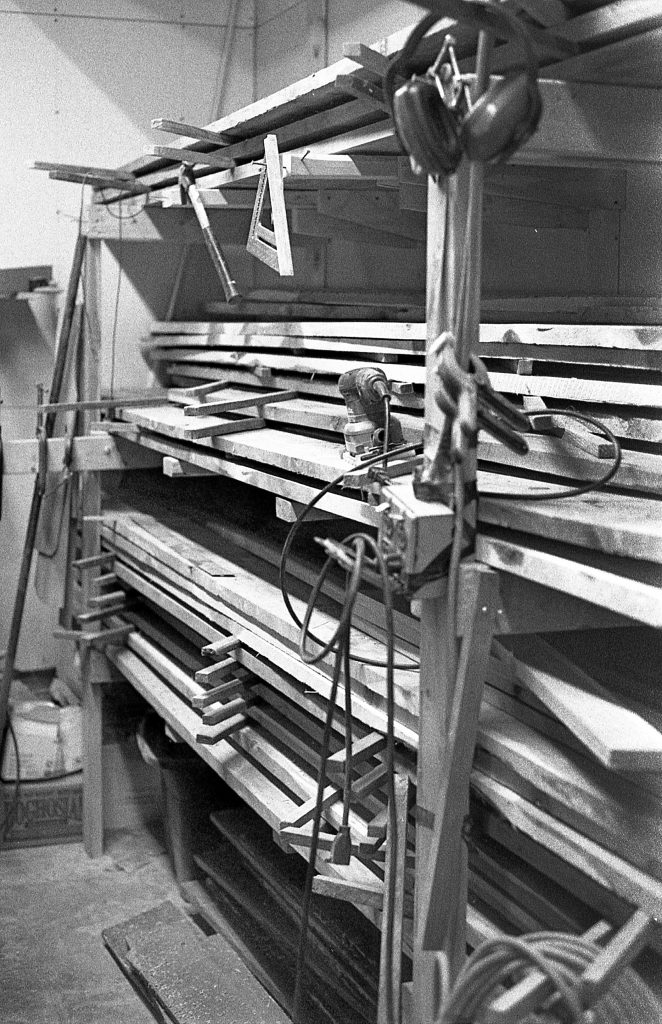
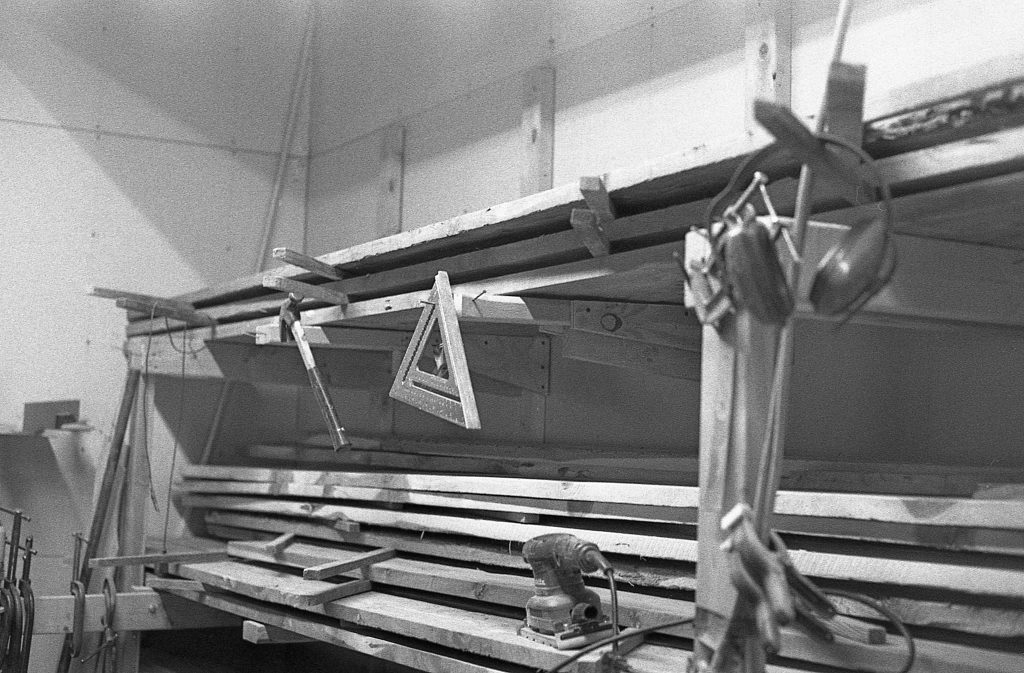
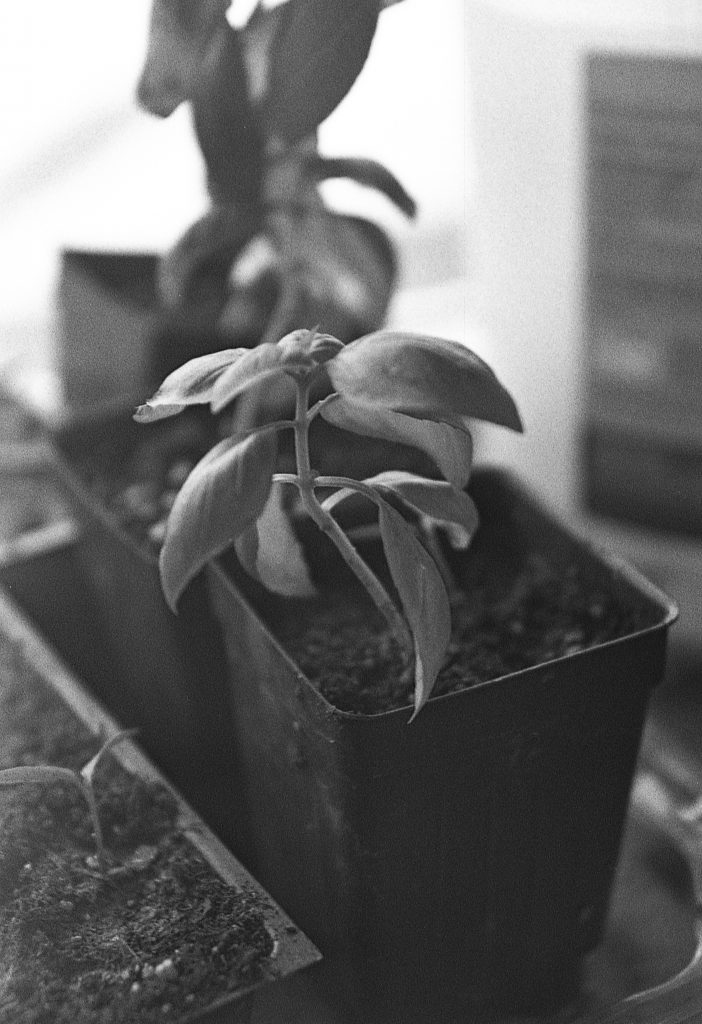
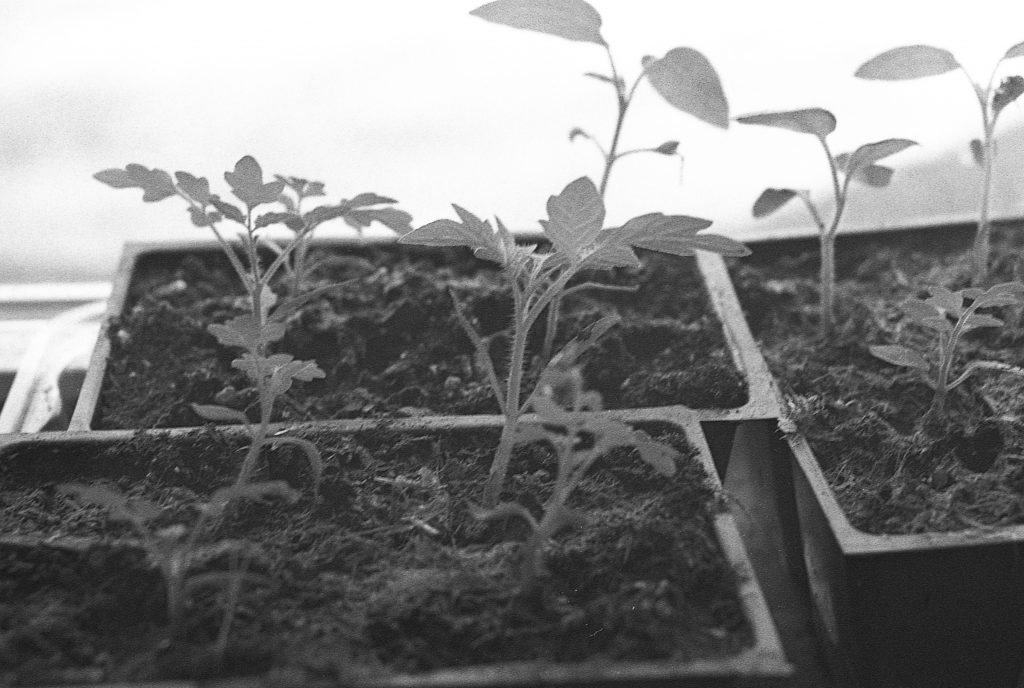
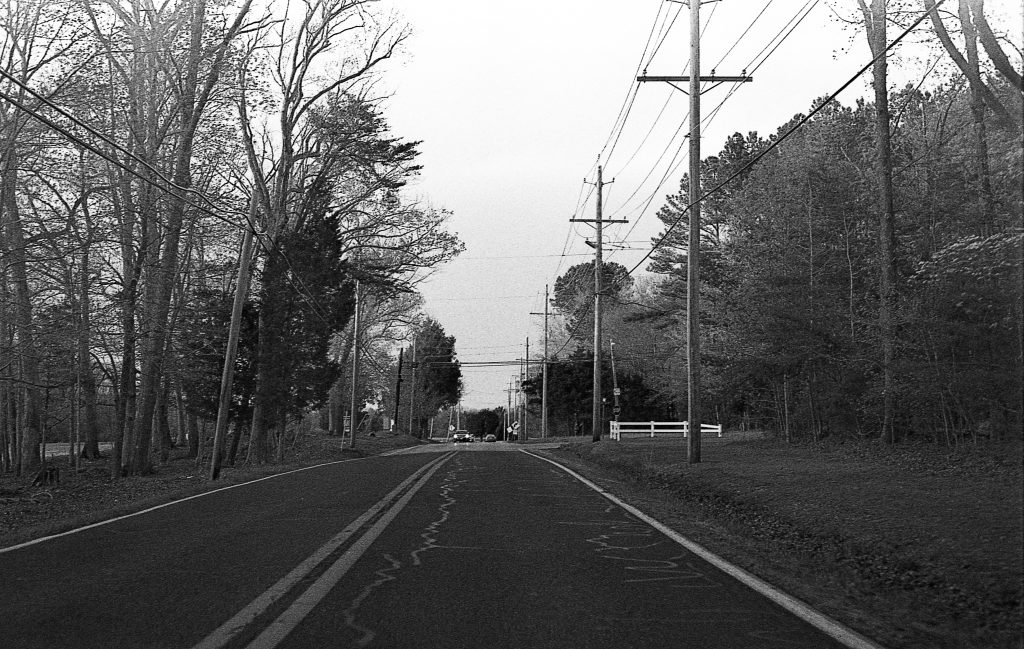
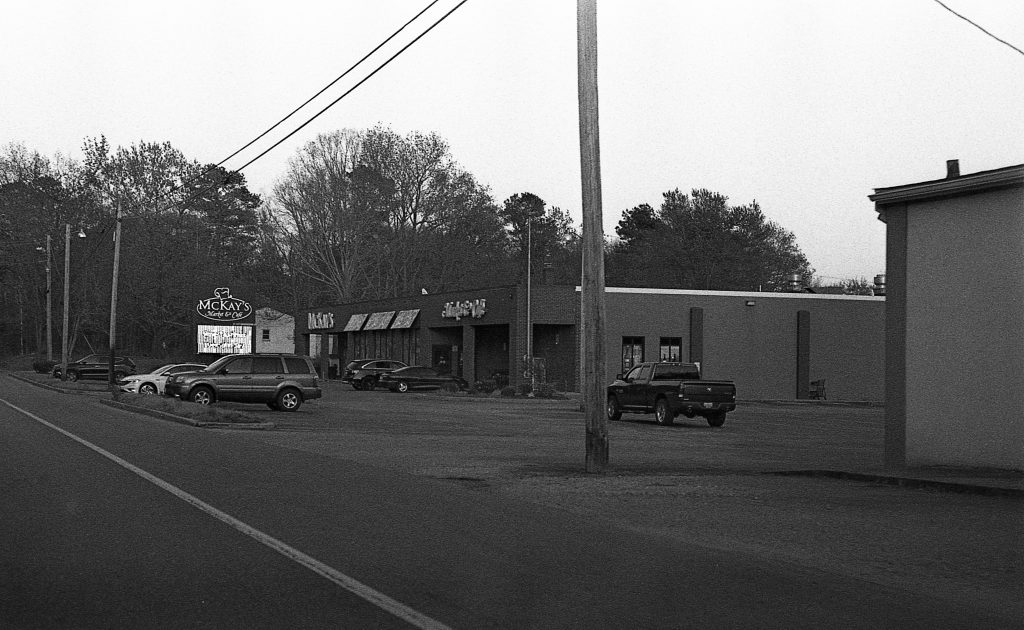
I’ve been seeing this light leak pattern on some rolls of Fomapan 200, that I’m really not liking. It didn’t make the images totally unusable, but you can definitely see the light bands emanating from around the sprocket holes of the 35mm film. I’ve also been overexposing this film by a stop, which I don’t think is ideal. However, those two problems are unrelated.
I know the light leak is not the camera, because it definitely not happening on every roll. It’s either light entering in during loading or a manufacturing defect. After this roll, I’ve been using the loading bag in much dimmer light. It should be blocking all of the light, but there may be a leak in the bag. We’ll see if the problem arises again.


Development Details
- Film: Fomapan 200
- Camera ISO setting: 100
- Developer: Kodak XTol
- Development Time: 6 Minutes
- Development Agitation: Kodak Style (5x inversions every 30 seconds)