
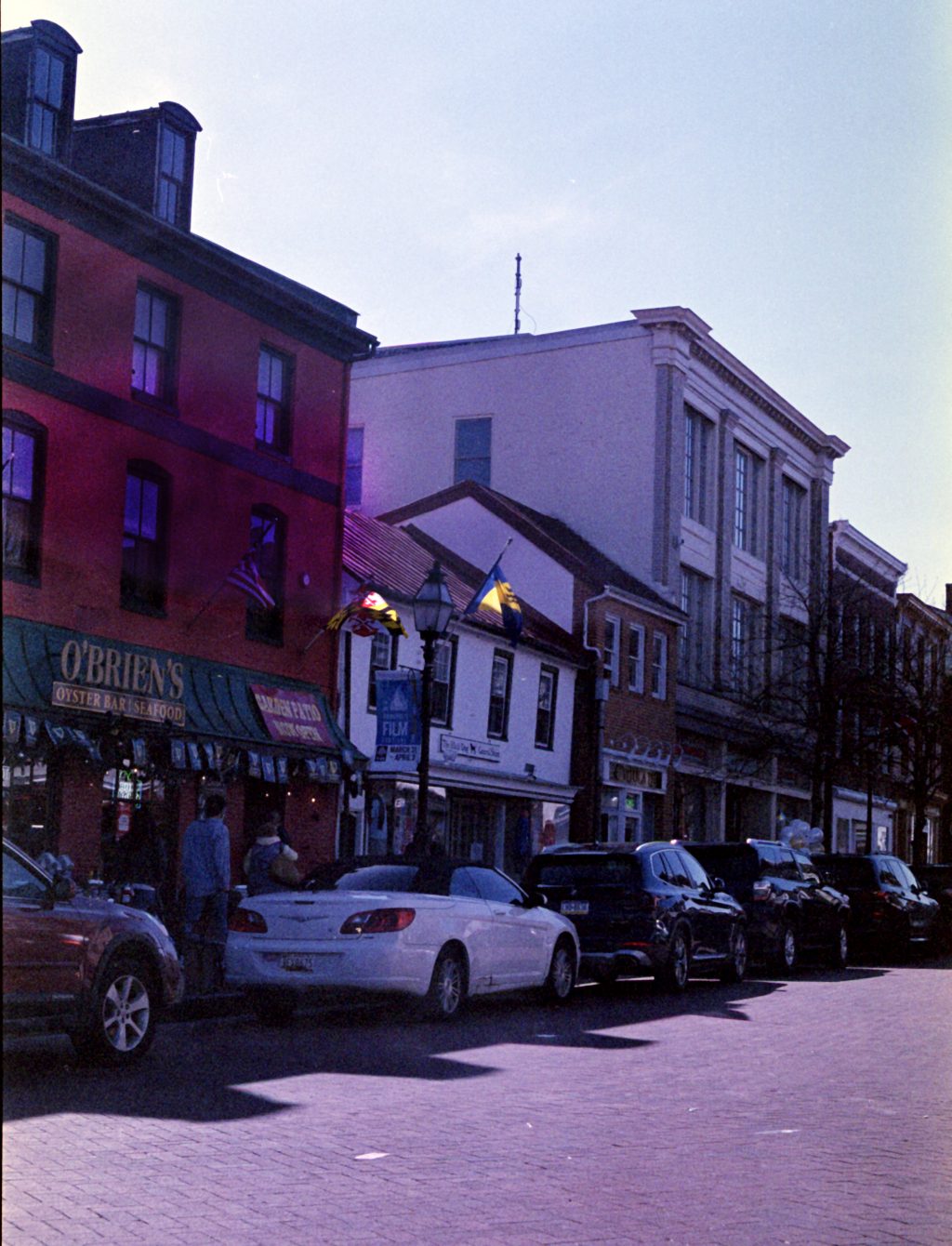
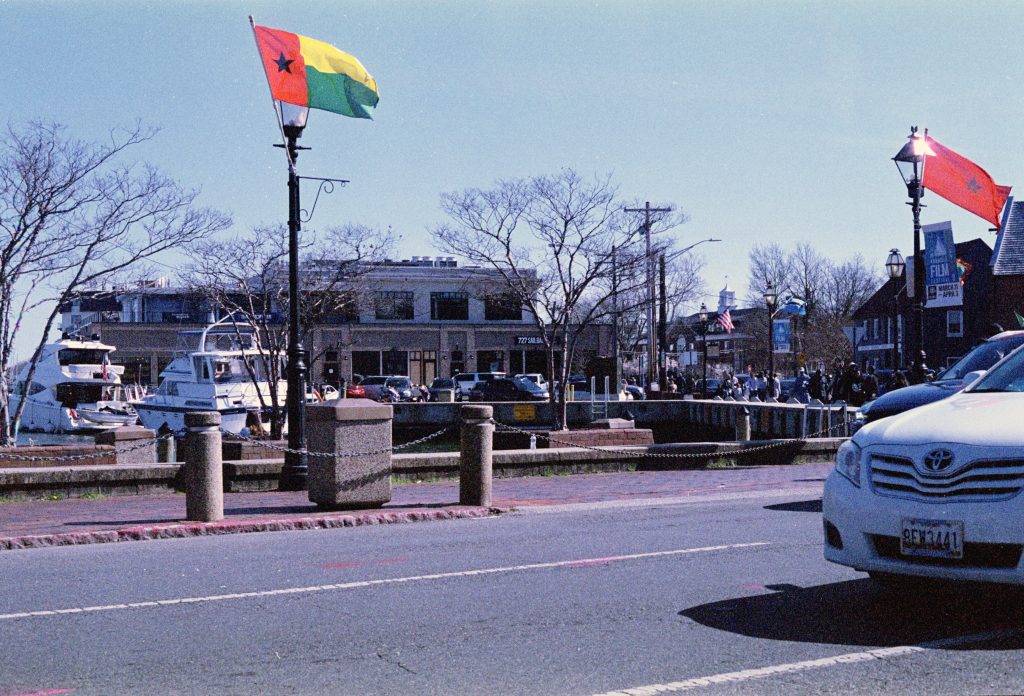
This the second roll I developed together in the C41 color developer. Both rolls were on the thinner side. Maybe this one was a little bit better. In addition to the density issues, one new thing in editing process I’m having to deal with is color balance.
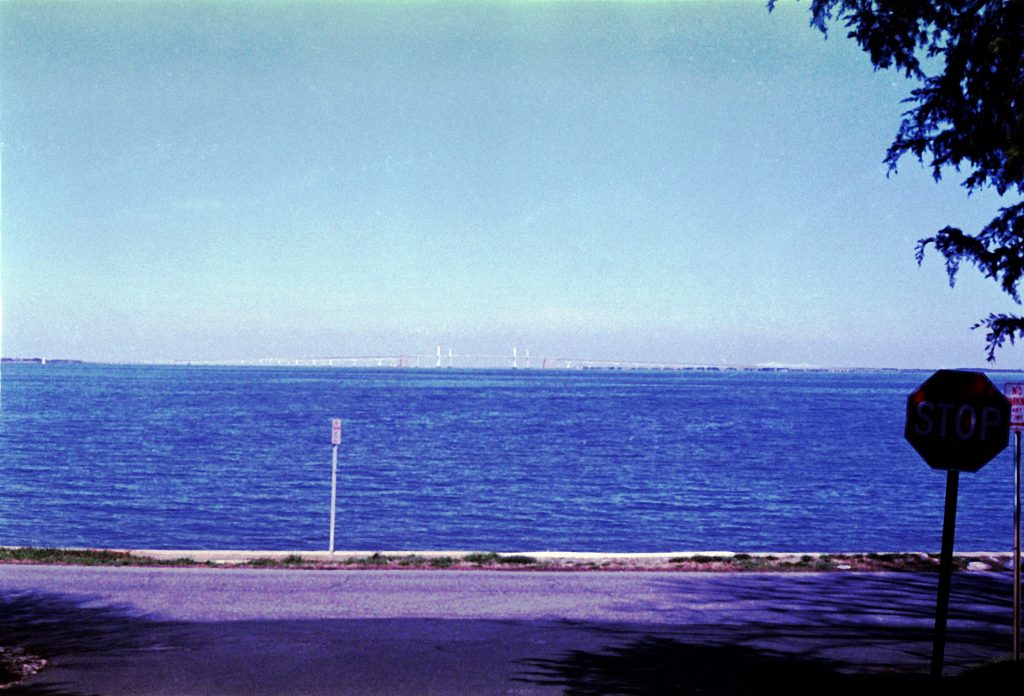
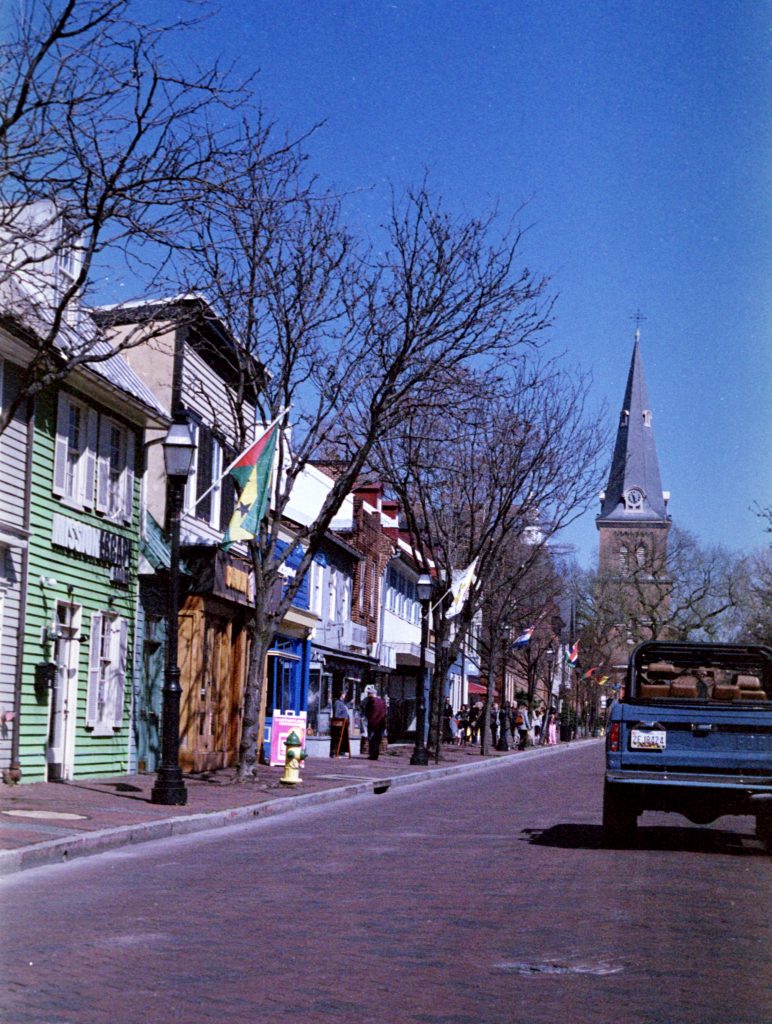
I think I was way too dependent on the auto color feature in Photoshop. These result was either too much yellow or too much green. I’ll probably have to go back and see if I can re-adjust them.
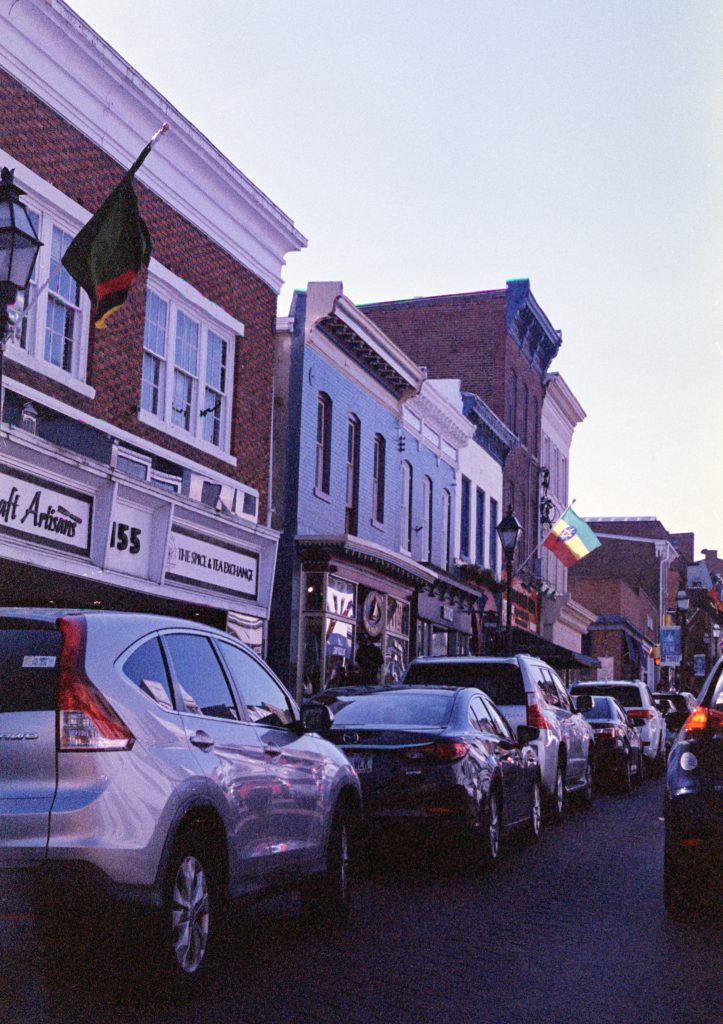
At the time, I was a little bit unsure of myself. The film was on the red side (too warm in development), but when adjusting the color by hand, I thought I wasn’t removing enough red or magenta in the film. I went to the auto color as a result, and looking back, it would have been better to adjust them manually.
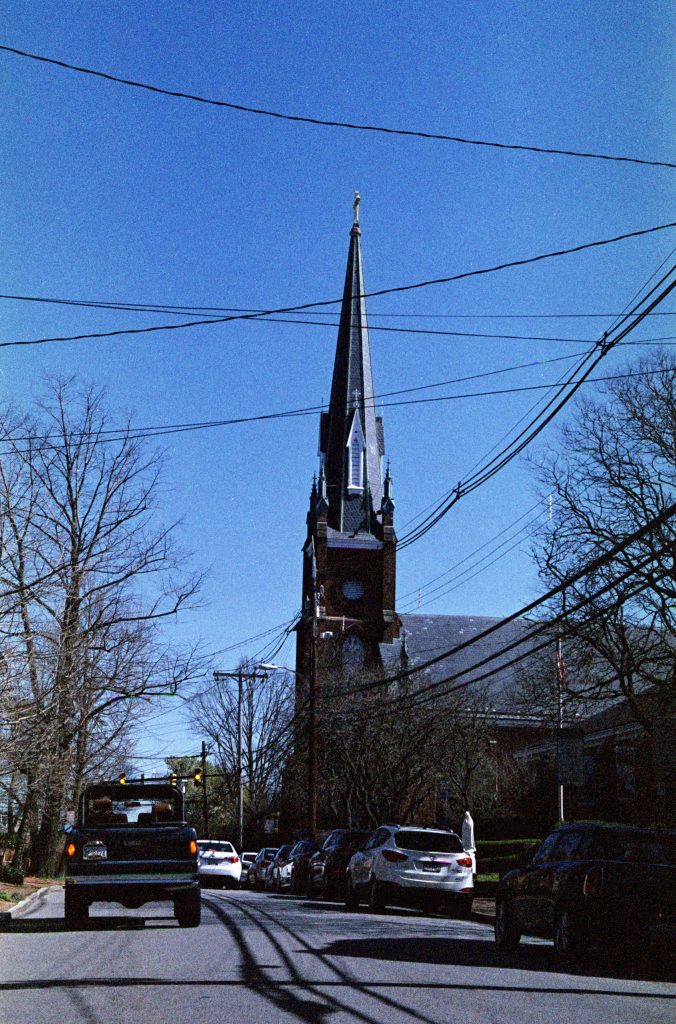
Some of the same density problems shown with the first roll are present here. We have a loss in detail in the shadows, and color saturation overall is on the lower side.
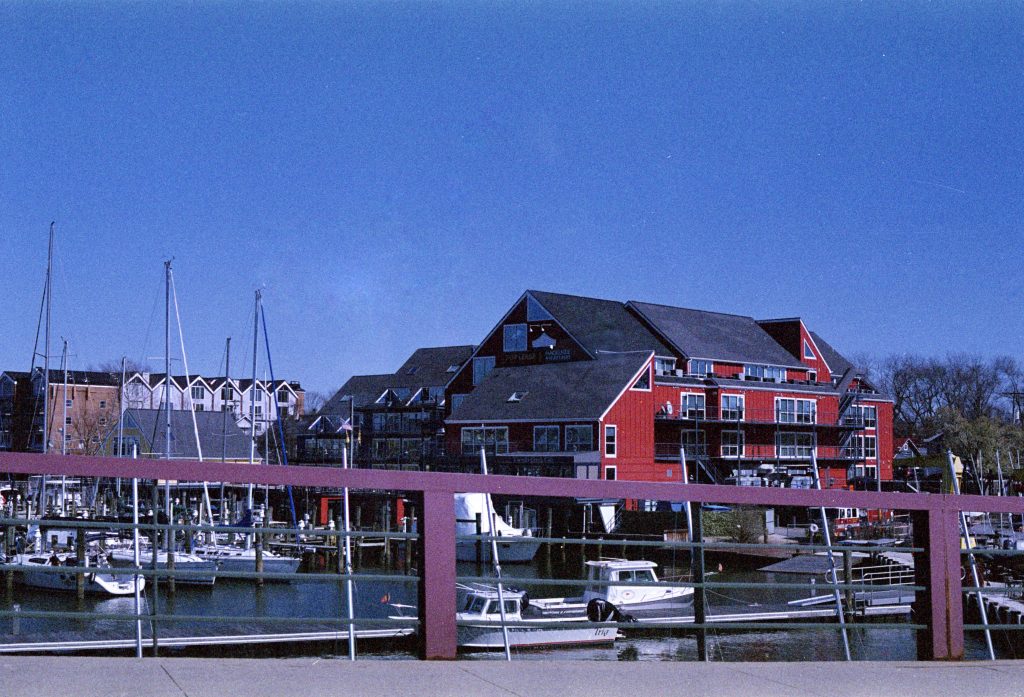
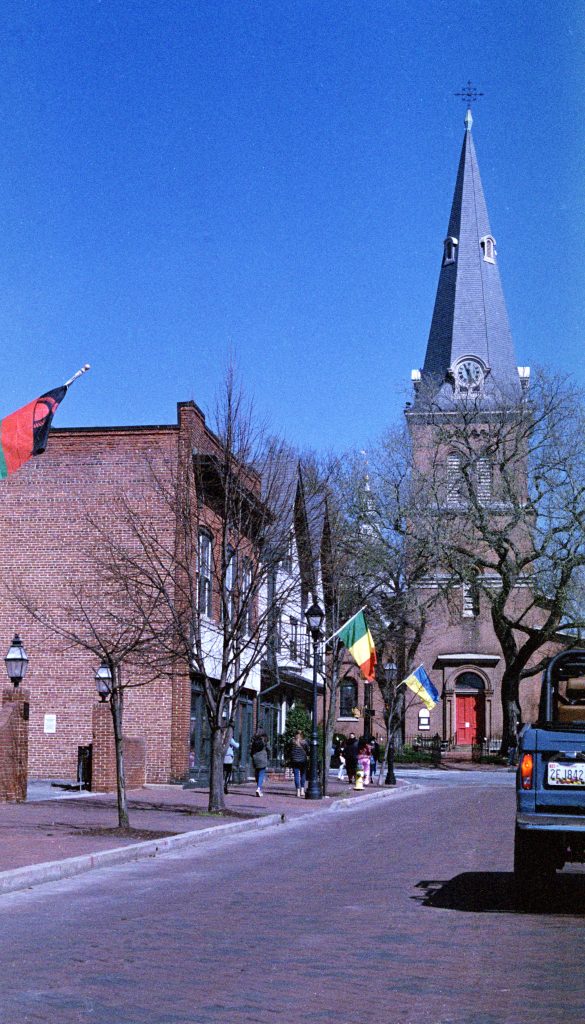
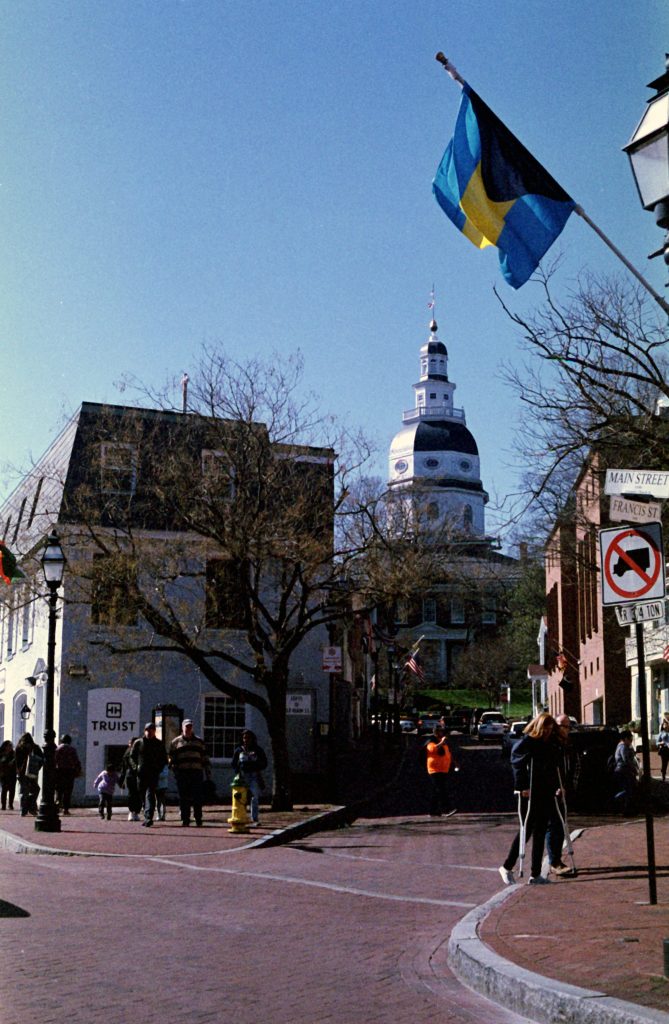
This last one is probably one of the pictures I adjusted the color balance manually. The auto color features just pushed this one obviously too far over t the green and yellow side, so I did this one by hand. Looking back, I do think it looks a bit better. There’s a lot of brick or just red in these Annapolis pictures, and having the reds pop in the picture would give it a cool look, especially against a blue sky.
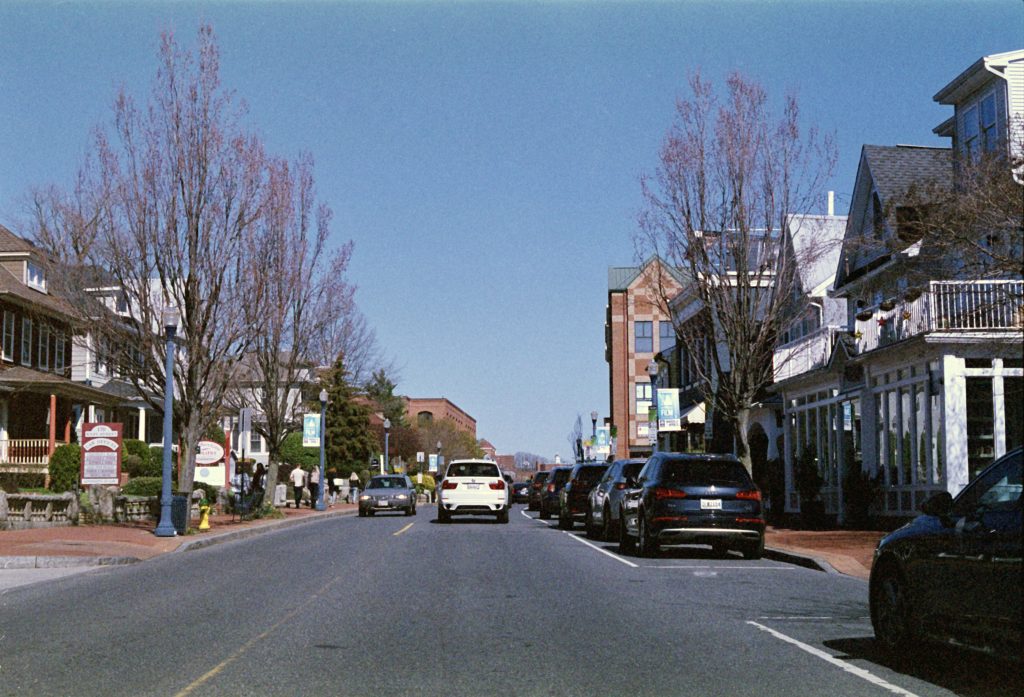
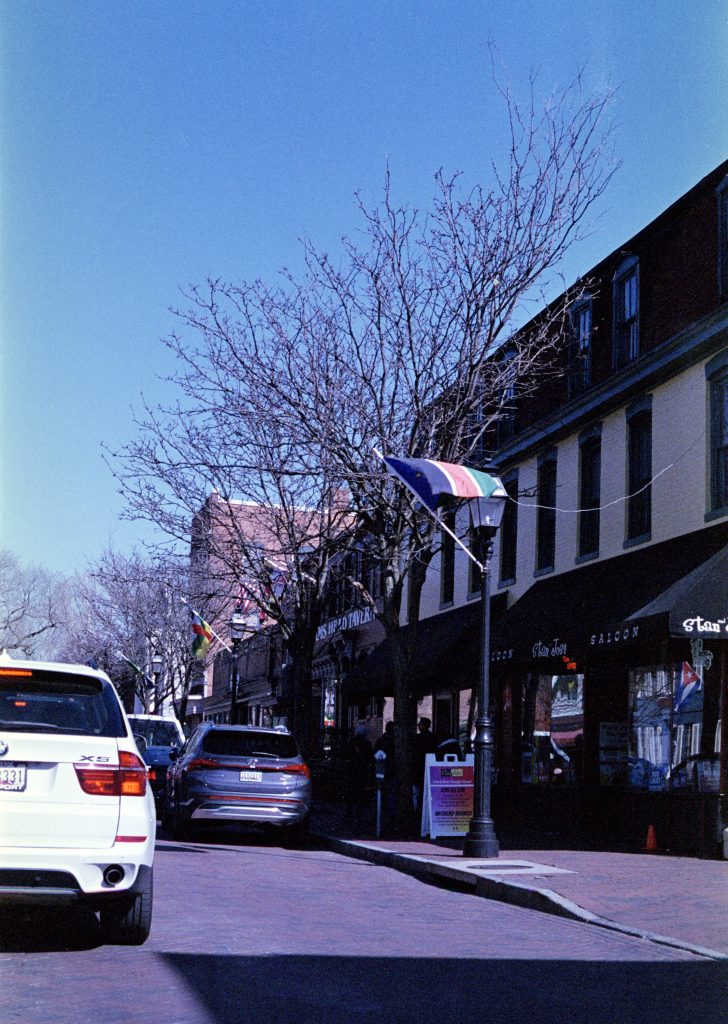
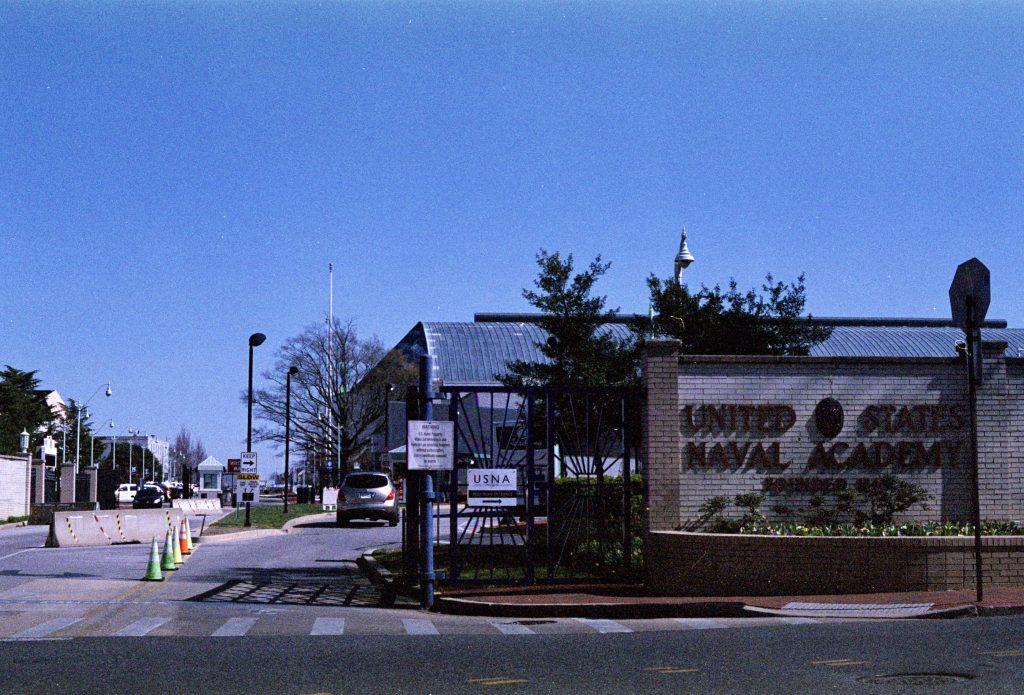
This frame is probably another one that could have been helped with either more exposure or more development. The shadows in this one are very much crushed.
Development Details
- Film: Fuji Superia 400
- Camera ISO setting: 400
- Developer: CineStill C41 Developer at 102ºF
- Development Time: 3.5 Minutes
- Development Agitation: Kodak Style (5x inversions every 30 seconds)